

Print product bar codes straight from a font
Make UPC and EAN symbols for the shelf and Code 39 labels for the stockroom, right inside Word, Excel, Access and your reporting tools.
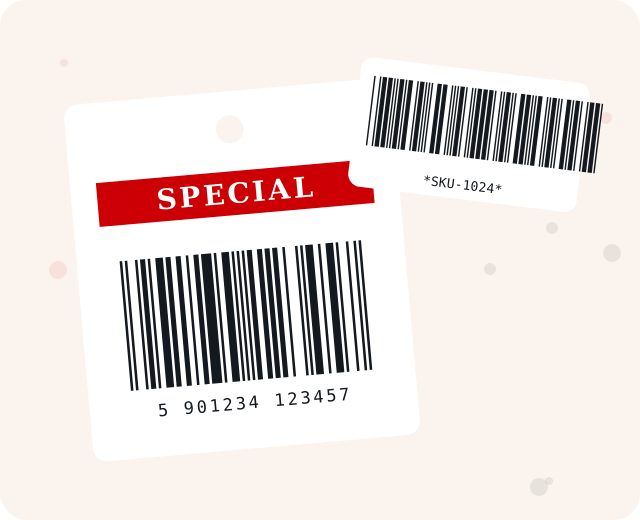
Choose your bar code font
Every font below opens its product page on IDAutomation.com.
Retail favorites
Two familiar symbols that cover most price tags and part labels.
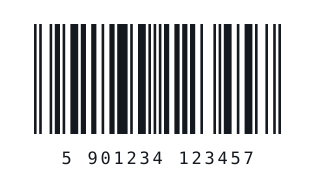
UPC and EAN
One font covers UPC-A, UPC-E, EAN-8, EAN-13, JAN, ISBN and Bookland symbols, with five heights for human readable and non-human readable layouts.
- Grade A barcodes, even on low-resolution printers
- Free encoder tools and macros
- Examples for FileMaker, OpenOffice, Word, Excel, Access and Crystal Reports
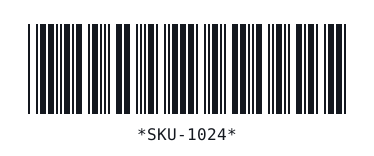
Code 39
An easy-to-use alphanumeric bar code for numbers, uppercase letters and some special characters. Wrap data in asterisks and it is self-checking.
- 24 font versions in several file formats
- Also known as Code 3 of 9 and LOGMARS
- Used with HIBC and other industry standards
How font-based bar codes work
1. Install
Install the font package for your operating system, or start with the demo.
2. Format
A font encoder or macro prepares your data, including start and stop characters or check digits.
3. Print
Select the barcode font, then print on any printer that handles text.
Looking for something else?
Browse the full set of 1D, 2D and MICR fonts.